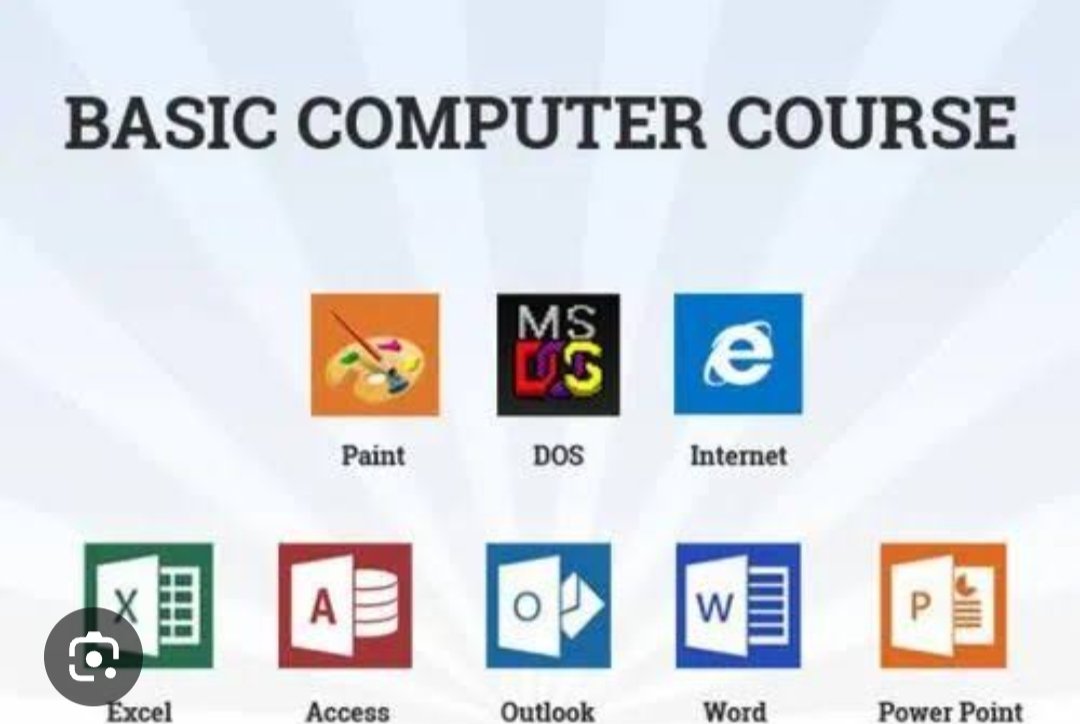
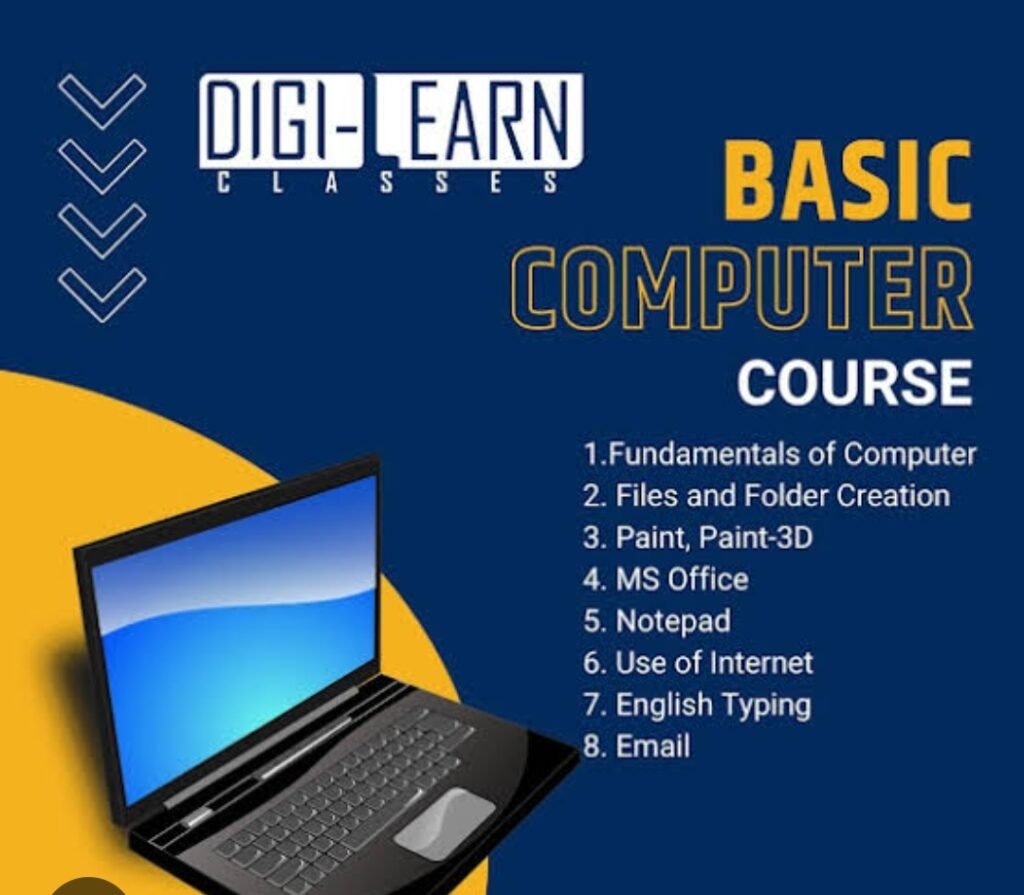
basic computer course covers fundamental skills like operating systems (Windows/macOS), file management, internet browsing, email, and productivity tools (MS Office/Google Workspace). These courses are designed for beginners to build digital literacy for work or personal use, often including topics like security, troubleshooting, and, in some cases, free certification.Core Components of a Computer Basics Course Computer Fundamentals: Understanding hardware (keyboard, mouse, monitor) and software.Operating System Basics: Navigating Windows or Mac, managing files, folders, and settings.Internet Usage: Using browsers, searching effectively, and safe online communication.Email & Collaboration: Creating, sending, and managing emails, including attachments.Productivity Software: Introduction to Microsoft Office (Word, Excel, PowerPoint) or Google Workspace.Digital Citizenship & Safety: Basic security measures to protect personal data.Popular Options to Learn Computer Basics Global (Free): Offers free tutorials on computer basics, covering both Windows and Mac.Coursera: Features comprehensive beginner courses from various institutions.Udemy: Offers courses focusing on practical, actionable skills, such as using email attachments and Google Drive.Microsoft Learn: Provides free training paths on basic computer concepts.Local Institutes: Many local colleges and vocational schools offer hands-on training for beginners.Target Audience individuals new to computers.Adults returning to education or the workforce.Job seekers looking to improve digital literacy.These courses often prepare learners to obtain certifications, such as a “Certificate in Computer Concepts”.
Leave a Reply